

Sensors and gateways
Sensors
Section titled “Sensors”Open Sensores (Sensors) and select a sensor at the top of the page to display its data.
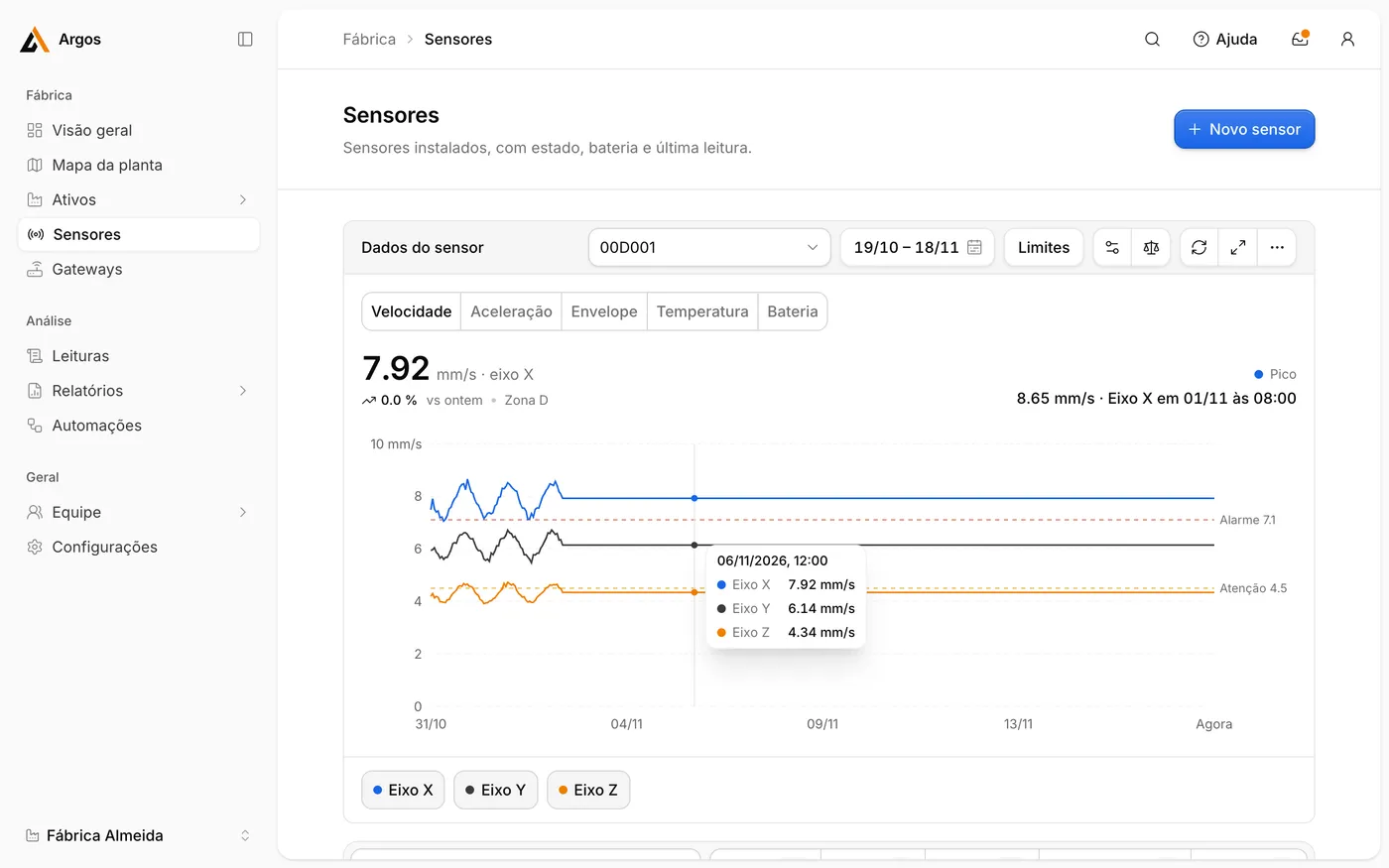
| Tab | Value | Unit |
|---|---|---|
| Velocidade | Velocity | mm/s |
| Aceleração | Acceleration | g |
| Envelope | Envelope | g |
| Temperatura | Temperature | °C |
| Bateria | Battery | % |
The buttons below the chart show or hide each axis: Eixo X, Eixo Y and Eixo Z.
To add a sensor, click Novo sensor. See Install a sensor.
Change how often a sensor measures
Section titled “Change how often a sensor measures”Open the sensor and select Configurar sensor (Configure sensor).
| Setting | Range | Default |
|---|---|---|
| Medir a cada (Measure every) | 5 min to 6 h | 10 min |
| Enviar à nuvem a cada (Send every) | 15 min to 24 h | 1 h |
| Detecção de partida e parada (Start and stop detection) | On or off |
These settings apply to the A6. Longer transmission intervals extend battery life.
Gateways
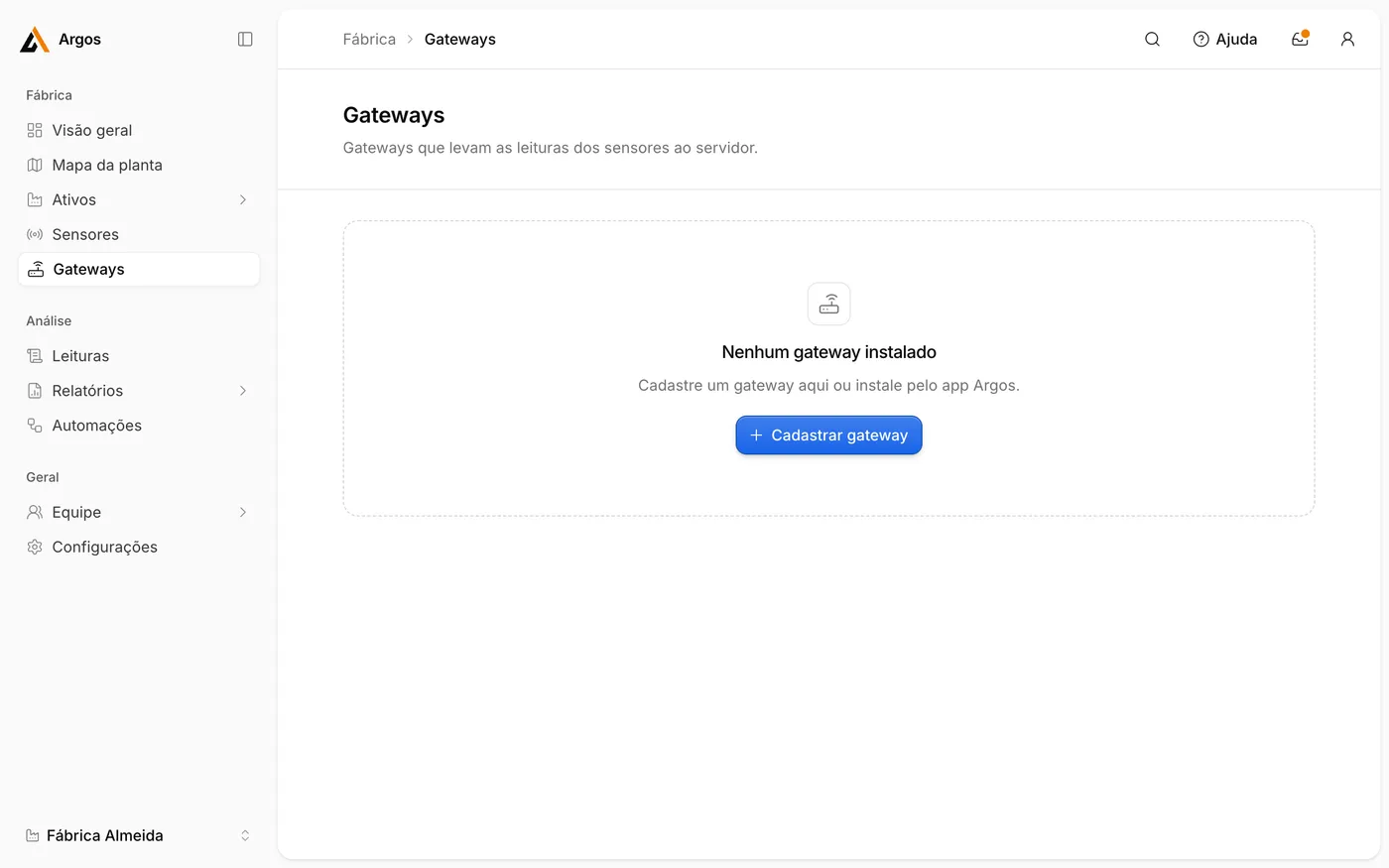
Section titled “Gateways”Open Gateways to see all gateways of the site.
| Column | Meaning |
|---|---|
| Estado | State: Online, Offline or Aguardando conexão (waiting for first connection). |
| Conexão | Connection type: Ethernet or Wi-Fi. |
| Sensores | Number of sensors the gateway receives. |
| Último contato | Time of last contact. |
Select a gateway to see the sensors it receives and their signal strength.
Gateway commands
Section titled “Gateway commands”| Command | Effect |
|---|---|
| Localizar (Locate) | The red and yellow lights blink rapidly for 30 seconds, so you can find the unit. |
| Reiniciar (Restart) | Restarts the gateway. |
The gateway receives commands within one minute. Últimos comandos (Recent commands) lists the commands sent.