

The phone app
The Argos app for iPhone and Android is the tool for work at the machine: installing sensors, setting up gateways and taking measurements on site.
Sign in
Section titled “Sign in”Open the app, enter the e-mail and password you received from your manager, and tap Sign in. For first-time sign-in, see Your account.
The tabs
Section titled “The tabs”| Tab | Contents |
|---|---|
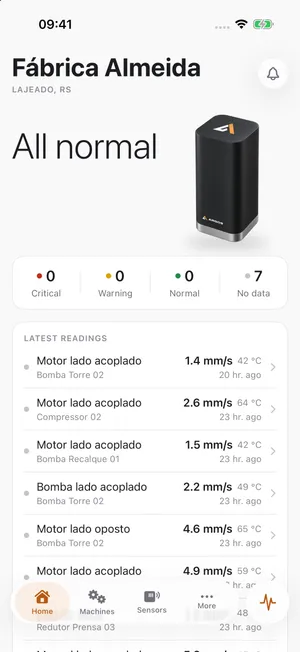
| Home | Machines that need attention, latest readings and open alarms. |
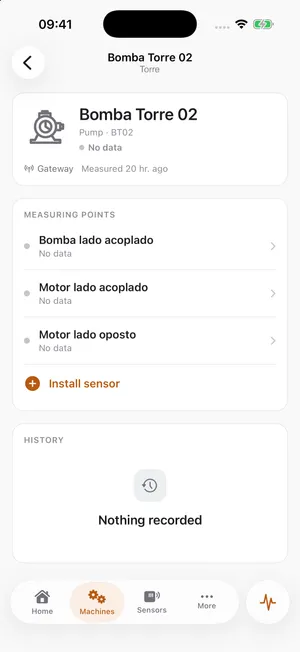
| Machines | All machines. Tap a machine to see its measuring points and charts. |
| Sensors | All sensors. Tap + to install a new one. |
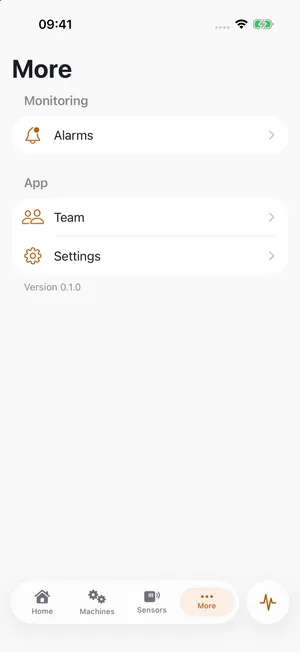
| More | Alarms, gateways, team and settings. |
The round button next to the tabs is Measure now. See Measure now.
A point’s charts
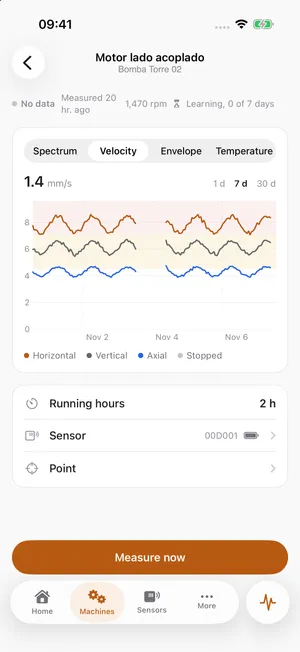
Section titled “A point’s charts”Open a machine and tap a measuring point. The following tabs are available:
| Tab | Contents |
|---|---|
| Trend | Values over time. The best starting point. |
| Spectrum | Vibration by frequency. |
| Temperature | Temperature over time. |
| Info | Details of the measuring point and its sensor. |
Works without signal
Section titled “Works without signal”The app keeps working without a mobile connection. Changes are saved on the phone and synchronized once it is back online.