

Measure now
Measure now takes a reading on demand, outside the regular measurement interval. It is the round button next to the tab bar.
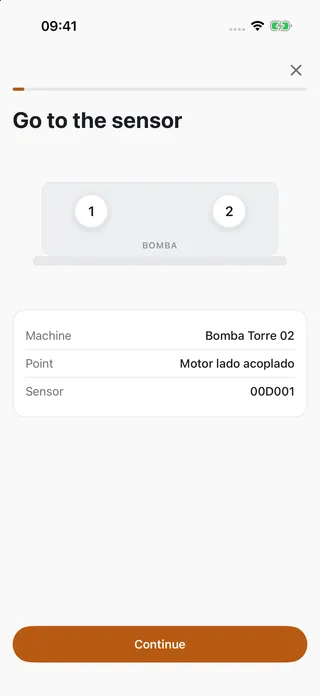
-
Go to the sensor.
-
Tap Measure now and select the sensor or the machine.
-
Tap the sensor cap firmly twice to wake it.
-
The app displays the live reading.
-
Tap Measure now and select the sensor or the machine.
-
The app sends the request to the gateway.
-
The reading arrives with the sensor’s next contact, within 10 minutes. You do not need to stay near the sensor.
Apply settings to a sensor
Section titled “Apply settings to a sensor”When sensor settings are changed in the web app, some sensors receive them only through a phone nearby.
-
Open the sensor in the app. It shows Pending configuration.
-
Go to the sensor.
-
Tap Apply settings.
-
Review the changes. The app writes them over Bluetooth and reads them back for verification.
Scan a QR code
Section titled “Scan a QR code”Tap the scan button and point the camera at the QR code of a sensor, gateway or machine. The app opens the matching item.